The Problem: Your iPhone photo is invisible on Android
Since iOS 11, Apple saves photos in HEIC format by default. When you send a photo from your iPhone to an Android user, they often see a blank image or an error message. Why? Because Android didn't natively support HEIC for a long time, and many apps still can't read the format.
This isn't a fringe issue: according to Statista, over 70% of smartphone users worldwide use Android. Every time you share an iPhone photo, there's a real chance the recipient can't open it. In group chats, emails, social media – HEIC is a compatibility risk outside Apple's ecosystem.
What is HEIC?
HEIC stands for High Efficiency Image Container and is based on the HEVC video codec (H.265), also known as MPEG-H Part 2. Apple introduced HEIC as the default photo format with iOS 11 in 2017. The big advantage: HEIC files are approximately 50% smaller than JPEG at the same quality – thanks to efficient block compression with 10-bit color depth and HDR support.
Technically, HEIC uses the same intra-coding algorithm as HEVC video: CTUs (Coding Tree Units) are partitioned into quadtrees, with intra prediction, deblocking filters, and SAO (Sample Adaptive Offset). This complexity is part of the problem – it's expensive to implement correctly.
The HEIF container can theoretically store transparency and alpha channels, but Apple's standard implementation doesn't use this. It also supports depth maps (for Portrait mode), burst sequences, Live Photos, and non-destructive editing metadata. A single HEIC file can contain multiple images, thumbnails, and metadata – it's more of a container than a simple image format. Sounds great – but there's a catch.
The Patent Problem
HEVC, and by extension HEIC, is encumbered by patents from MPEG LA and HEVC Advance. For end users, this is irrelevant – Apple has paid the licenses. But for open-source projects, browser vendors, and platform developers, every HEIC-capable feature potentially means licensing fees. That's exactly why Chrome and Firefox still don't support HEIC natively: the patent landscape is unclear, and the costs don't justify the benefit for browser vendors.
This patent mess is also why AVIF was developed as a royalty-free alternative – the Alliance for Open Media designed AV1 and thus AVIF to be license-free from the start. Until AVIF sees widespread adoption, JPG remains the universal interchange format.
Compatibility: Who Can Read HEIC?
| Platform / Device | HEIC Support | Since When |
|---|---|---|
| iPhone (iOS 11+) | ✅ Full support | 2017 |
| Mac (macOS High Sierra+) | ✅ Full support | 2017 |
| Android 10+ | ⚠️ Natively readable | 2019 |
| Android 9 | ⚠️ Manufacturer-dependent | 2018 |
| Android 8 and older | ❌ No support | – |
| Windows 10/11 | ⚠️ Only with HEIF extension | 2018 |
| Windows 7/8 | ❌ No support | – |
| Chrome Browser | ❌ No support | – |
| Firefox Browser | ❌ No support | – |
| ⚠️ Auto-converts to JPG | – | |
| ❌ Not accepted | – | |
| ⚠️ Partially converted | – |
The gap in the Apple ecosystem is obvious: outside Apple's world, HEIC is a problem child. The patent licensing model from MPEG LA discourages open-source projects, which is why AVIF is gaining importance as a royalty-free alternative.
What Happens in Messenger Apps?
WhatsApp, Telegram, and Signal have handled HEIC differently:
- WhatsApp automatically converts HEIC to JPG – but with heavy compression. A 3 MB HEIC photo arrives at the recipient as a heavily compressed JPG typically under 500 KB. The quality loss is visible in details and when zooming.
- Telegram has supported HEIC since 2020 and passes the format through if the recipient can read it. Older clients also convert.
- Signal converts similarly to WhatsApp, since the focus is on metadata minimization, not image quality.
This means: even if you send HEIC, the recipient doesn't necessarily receive HEIC. And when conversion happens, it uses settings you don't control.
The Solution: Convert HEIC → JPG – On Your Terms
The easiest way to make HEIC photos visible to everyone: convert them to JPG – before you share them, with the quality settings you want.
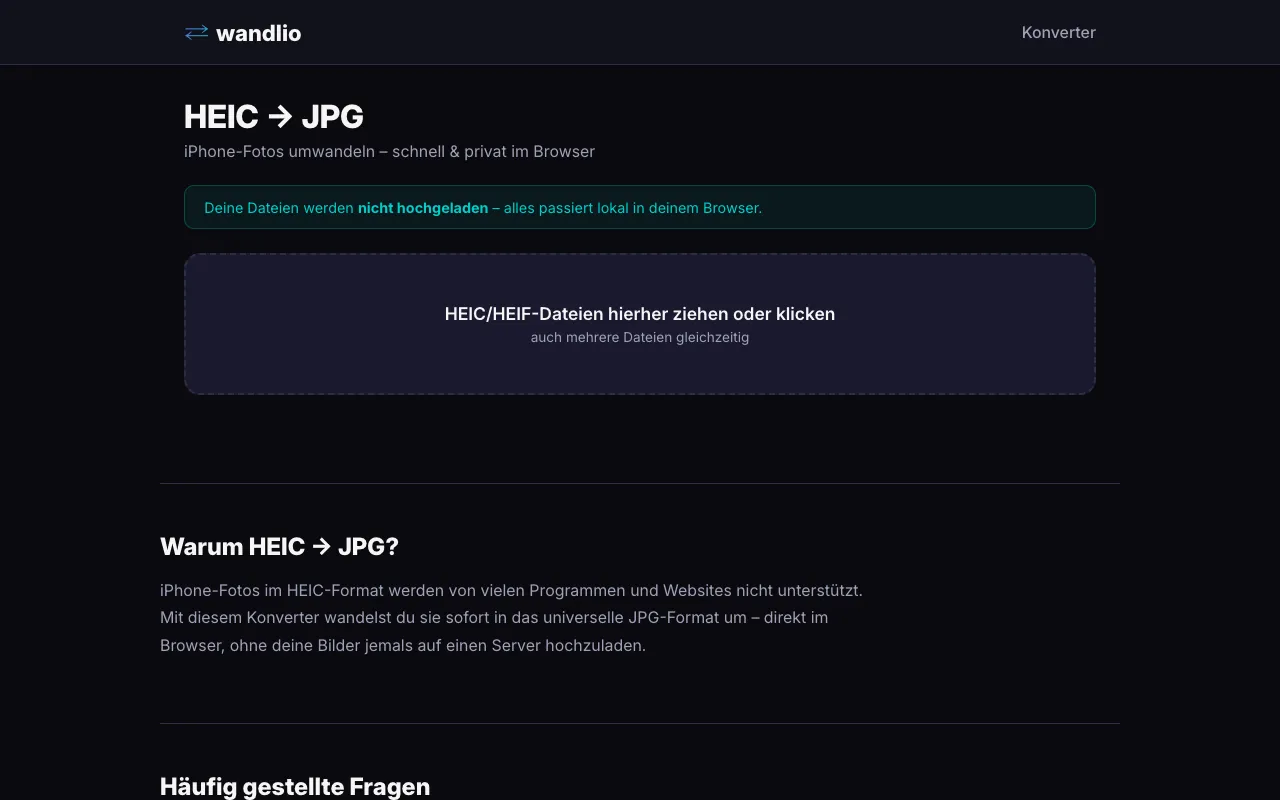
With wandlio's HEIC to JPG converter, simply drag your HEIC file into the drop zone, and the conversion happens locally in your browser. Your photos are never uploaded to a server. No account, no upload, no waiting.
The advantage over automatic messenger conversion: you control the quality. You see the result before sending. And you keep control over your photos.
Practical Scenarios
Family and Group Chats
You have vacation photos on your iPhone and want to share them in the family WhatsApp group. Instead of sending each photo through WhatsApp's compression, convert your selection to JPG and send the original quality as a file or choose "Send as Original."
Website Development
Clients often deliver iPhone photos as HEIC. These can't go directly into the web – neither as <img> nor as CSS backgrounds. Converting to JPG or WebP is the first step in any web project.
Photography Archive
HEIC as an archive format is controversial. The 10-bit color depth and HDR data are valuable, but the patent situation makes long-term readability uncertain. Many photographers convert to PNG for lossless archiving oder TIFF for maximum quality.
FAQ
Can Android display HEIC?
Android 10 and newer supports HEIC natively at the system level – but not in all apps. Google Photos can show HEIC, but many third-party galleries and editors can't open it. Under Android 9, some manufacturers (e.g., Samsung) already offered HEIC support via custom decoders, but only Android 10 brought official API support. Older Android versions need a third-party app like "HEIC Viewer." Many messengers like WhatsApp automatically convert HEIC to JPG – but this reduces quality.
Why does iPhone save as HEIC?
Space savings. A HEIC photo is about half the size of an equivalent JPEG at identical quality. With 12-megapixel photos, that easily saves several megabytes per image. On a 64 GB iPhone, that makes a measurable difference. Apple states that HEIC files are about half the size of equivalent JPEGs – on a typical device, that saves several gigabytes.
Should I disable HEIC?
If you frequently share photos with Android users: Yes. Under Settings → Camera → Formats, you can switch to "Most Compatible" (JPG). Alternatively, selectively convert only the photos you want to share – keeping the space savings for your archive and compatibility for sharing.
Does conversion lose quality?
HEIC → JPG is a conversion between two lossy formats – theoretically yes, practically usually no. HEIC stores 10-bit color depth, JPG 8-bit. The difference only matters with extreme post-processing (heavy exposure corrections, shadow recovery). At high JPEG quality (85-90), the difference is not visible to the naked eye. For archiving, keep your HEIC originals and only convert for sharing.
Can I convert HEIC to other formats?
Yes – HEIC → PNG for lossless quality, HEIC → WebP for web use, even as PDF for printing. JPG is just the most common case because it offers the broadest compatibility.
Conclusion
HEIC is an excellent format for the Apple ecosystem – smaller files, better quality, more features. But outside iOS and macOS, it is a compatibility risk. Android users, Windows without HEVC codec, and all major browsers cannot display HEIC natively. The simplest solution: convert HEIC to JPG before sharing photos. With wandlio.de, it is free, private, and done in seconds – right in the browser, without your images ever touching a server.